Dance studios
Dance studio software for classes, shows and fees
Fill your classes, run the term and keep parents posted about rehearsals and shows, with clear monthly statements instead of a spreadsheet for every class.
What changes
From the first class to the final show
Classes that fill up
Take enquiries and sign-ups, and keep a waiting list for each full class.
Shows and rehearsals
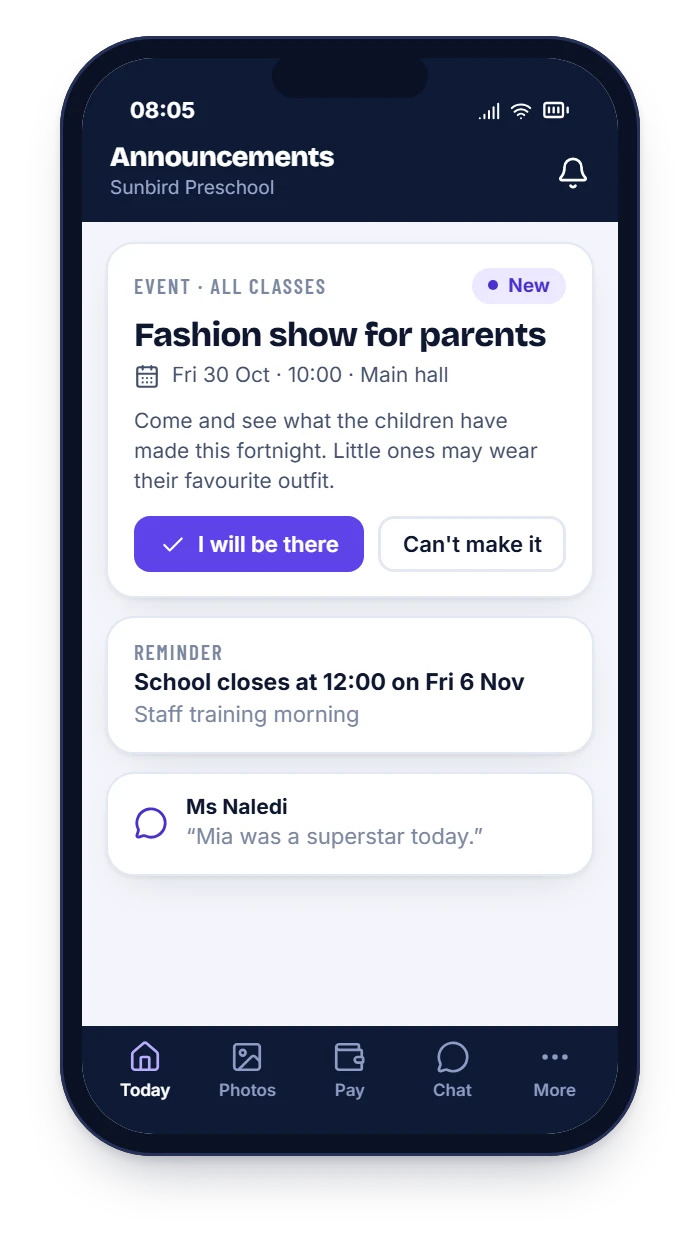
Invite parents to a recital, collect RSVPs with one tap and see who is coming.
News by class
Send a notice to one class or the whole studio, such as a costume reminder.
Social media consent
Record which parents agree to photos on your pages, for each child, with the date.
Progress and reports
Note each dancer’s progress and send a short term report to parents.
Simple fees
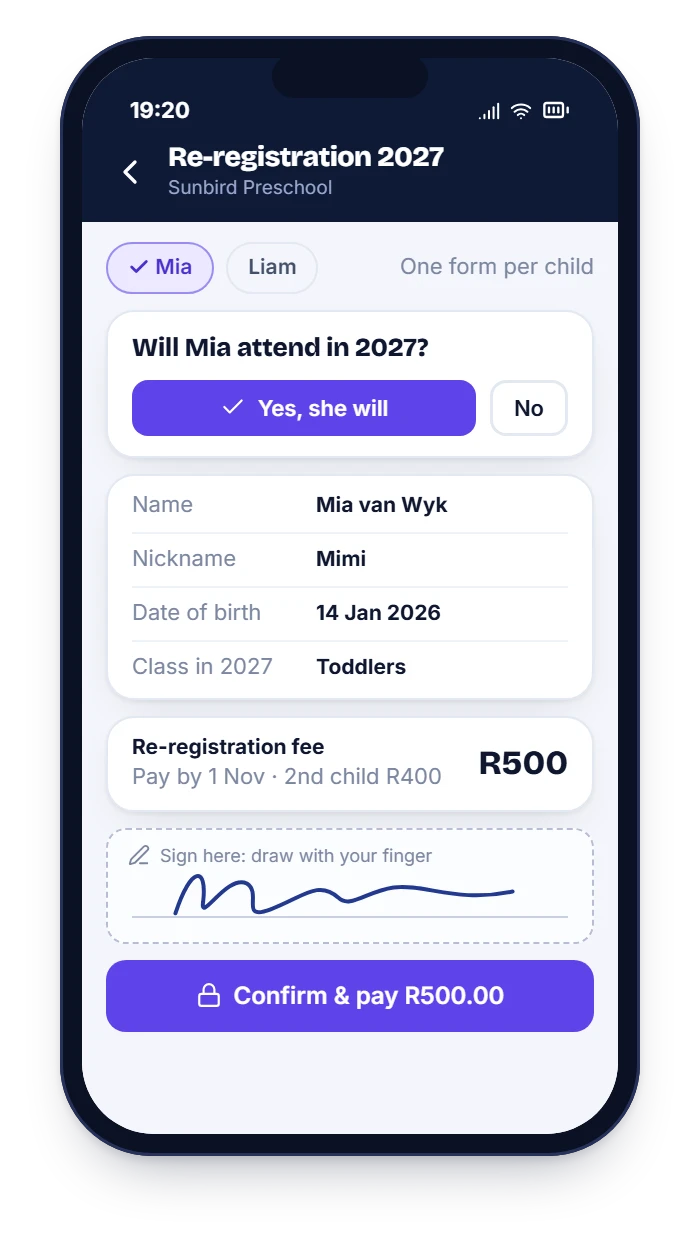
One account per family, sibling discounts and a monthly statement with a pay-now link.
Your modules
Modules that suit dance studios
Take any combination. HiDay is modular, so you only pay for the modules you use.
Enrolment and waiting list
Sign-ups on a phone, and a waiting list for each full class.
Learn moreAnnouncements and events
Shows and rehearsals with RSVP, and notices by class.
Learn moreLearning and milestones
Milestones for each dancer and a term report for parents.
Learn moreFees and statements
Family accounts, sibling discounts and monthly statements.
Learn moreAttendance and pick-ups
A register for every class.
Learn moreStaff and ratios
Teacher rosters and leave.
Learn moreDay to day
How a dance studio uses HiDay
- 1
Open your classes
Set up each class with its day, teacher and age group, and let parents sign up.
- 2
Run the term
Take the register, announce rehearsals and share photos with the parents who have agreed.
- 3
Show time
Send the recital invitation, collect RSVPs and issue the statements.
Questions
Dance studios: common questions
Can we post dancers’ photos on social media?
Record each parent’s choice for photos shared with the class and photos on your social media, and only use the photos you have consent for.
Can we send a message to one class only?
Yes. You can send to the whole studio, to one class or to one family.
Does it handle sibling discounts?
Yes. Siblings share one family account, and fees can include a sibling discount.
Do we have to take every module?
No. HiDay is modular: you choose the modules you need and you are priced only for those. See how pricing works.
See it with your own set-up
WhatsApp us and we will walk you through it, using your classes and your fee structure.