Classroom app
Classroom app for creche and preschool teachers
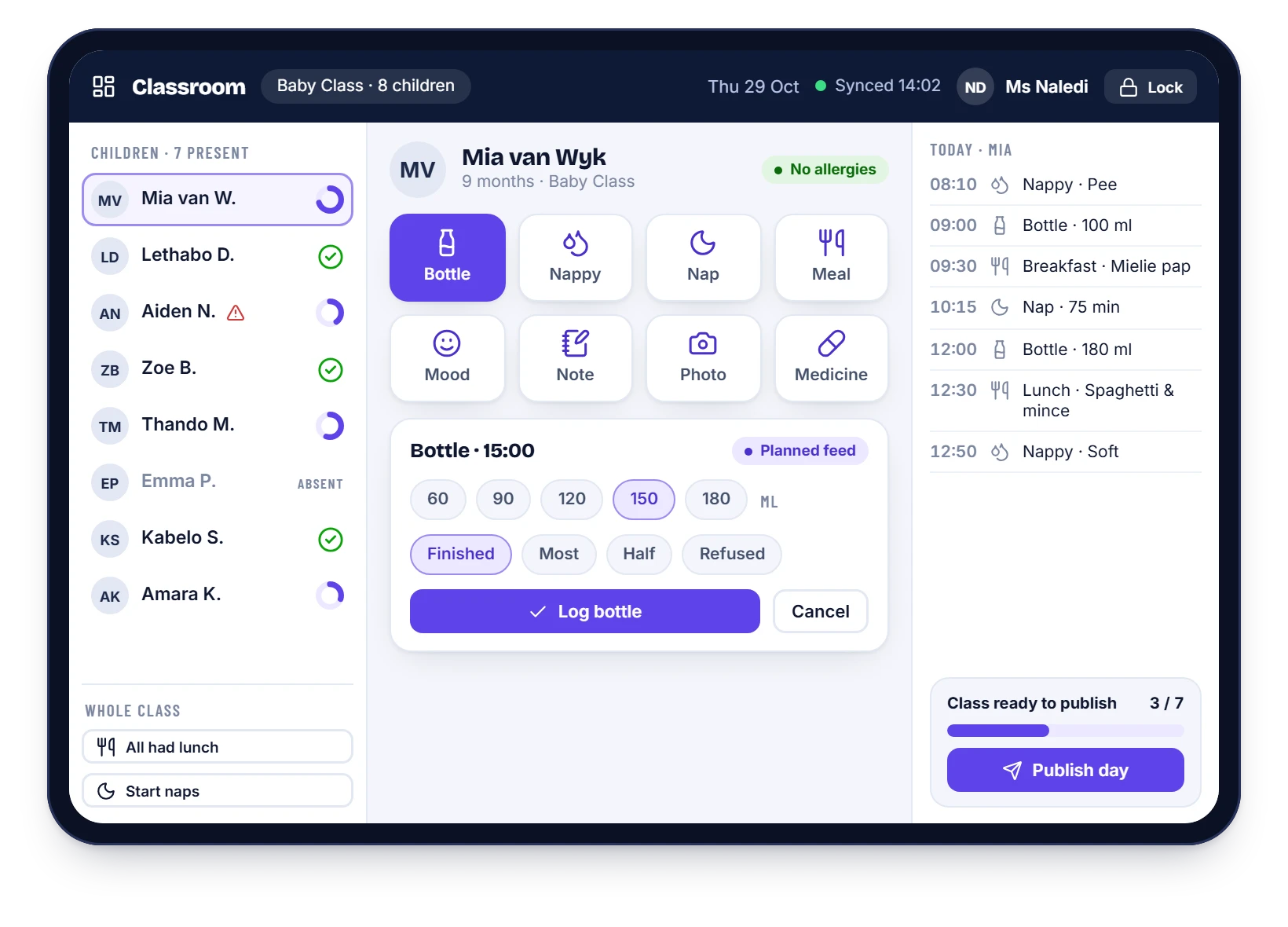
Big buttons, one-tap amounts and whole-class actions mean a teacher can log the day in seconds, even with a baby on one hip. It works on a tablet or phone, and it keeps working when the Wi-Fi does not.
Built for busy hands
Tap a child, tap what happened
Every action is a large button. Common amounts are one tap away, and the whole class can be done at once.
- Bottle amounts, nappy types, naps, meals and mood in one or two taps
- Whole-class actions: “all had lunch”, “start naps”
- Photos and notes from the same screen
- Works offline and syncs when the connection returns
- A publish checklist so nothing is missed
Locked down by design
Teachers see their class and nothing else
No fees, no invoices, no staff records, no exports. Access is enforced by the system, not by good intentions.
- Class-only access for every teacher
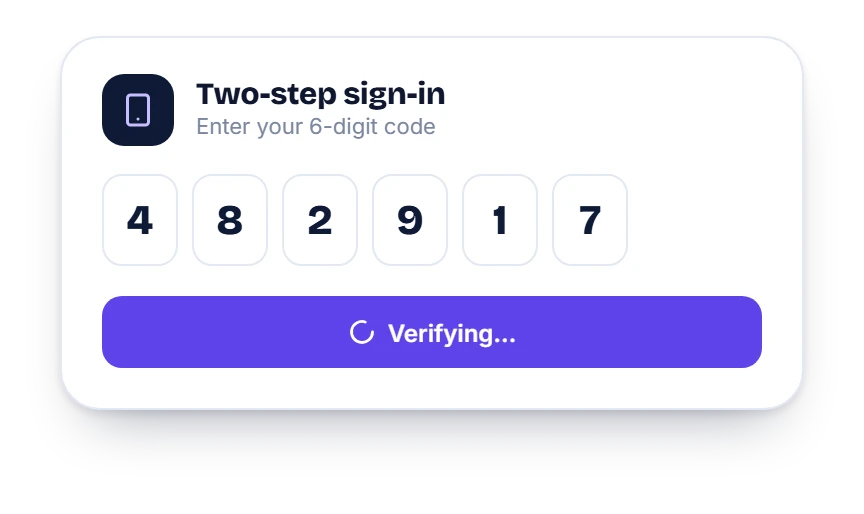
- Two-step sign-in for staff
- A full audit trail of who did what and when
Safety
Safety built into the day
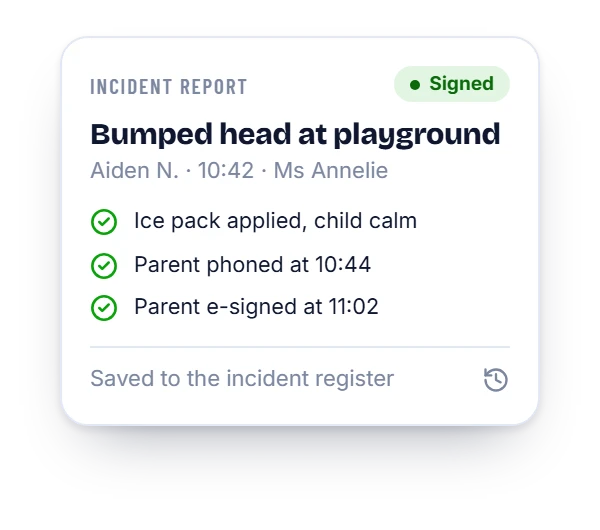
Allergy flags sit next to a child’s name. Medication is logged with a time and a signature. If something happens, an incident report is captured in seconds and the parent confirms on their phone.
- Allergy and medical flags in the child list
- A medication log
- Incident reports with parent sign-off
Questions
Classroom app: common questions
Do teachers need training?
The screens are simple and onboarding is part of the Daily Reports plan: a short, hands-on session with your teachers.
Does it need good Wi-Fi?
No. Entries are saved on the device and sync automatically when the connection returns.
Can teachers share a classroom tablet?
Yes. Each teacher signs in with their own account, so every entry is linked to the person who made it.
What can a teacher not see?
Fees, invoices, other classes, staff records and exports. Teachers only see the children in their own class.
See it with your own school’s set-up
WhatsApp us and we will walk you through it, using your classes and your fee structure.